R Script Record
R can be written as a script within a record. R script records are a solution to running code at the R command line. The R script record can only be included in an on-premise installation of the CCH Tagetik Supply Chain Planning software and requires additional training.
R Script Record Properties
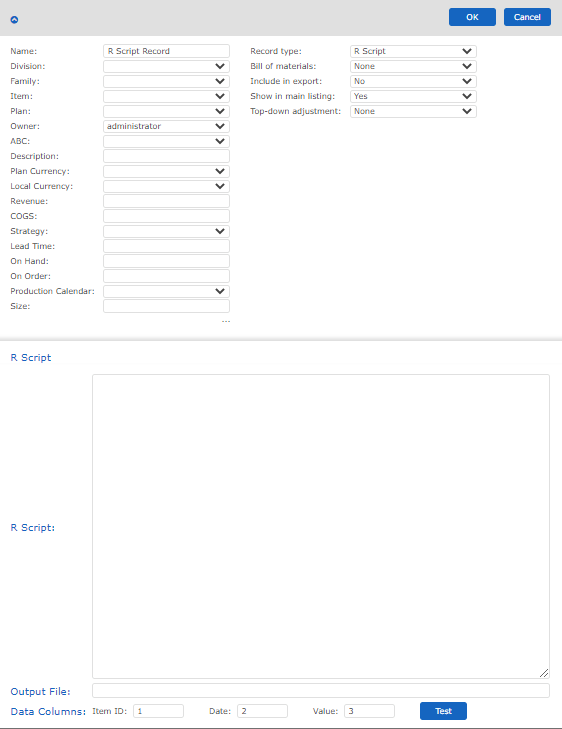
To configure an R Script record
- In the R Script section, type the script you want to run on your records.
- Type the name of the file where you want to see the record outputted.
- Fill in the Data Columns if they are in a different order than what is provided.
- Click Test to make sure everything is working all right.
- In the upper-right of the screen, click OK.
- To save your changes to the database, on the menu, click Save All Changes.