Connector Record
Connector records contain a formula used to import records from one form to another. Create a Connector record when you have numbers in one report and want to convert the number using a formula.
Connector Report Properties
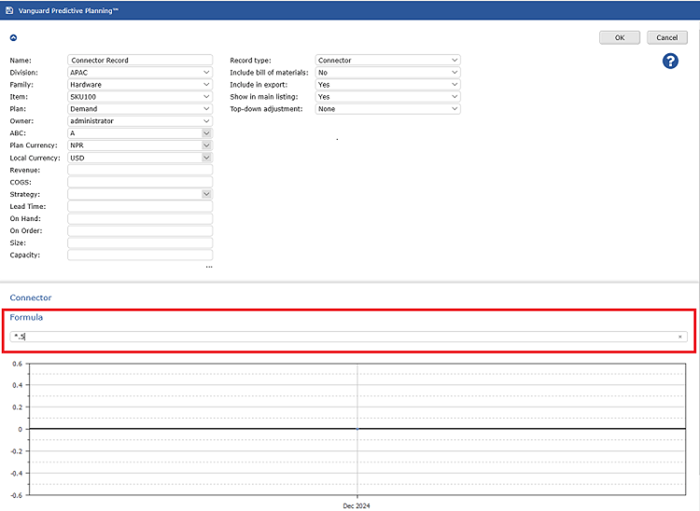
To configure a Connector record
- In the Connector section, in the Formula field, type a value.
If you type a percentage, such as 50%, it is treated as 0.5 when you apply it to a forecast as an adjustment. 2. In the upper-right of the screen, click OK. 3. To save your changes to the database, on the menu, click Save All Changes.