About Folder Views
If your instance of CCH Tagetik Supply Chain Planning is configured to do so, when you select a folder, a rollup view of all of the records within the folder displays. The view includes the historical data for all child records as well as data for the child records.
Rollup View
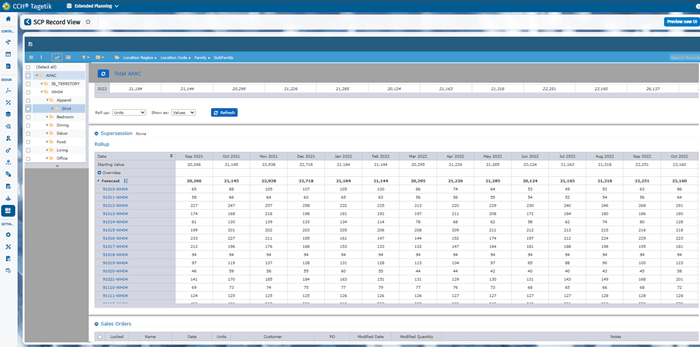
The Rollup Report table shows details of the child records. It does not create a new forecast; rather, it aggregates the child record data for the level you have selected.
The children records are automatically collapsed. Click the  to the left of Forecast to see the list children records in alphabetical order. To show the children records in number order, click the
  to the right of Forecast to change the order.
You can apply overrides to child records in some folder views.