Reference documents
The objects from Excel attachments and / or from Tagetik inserted into the document can represent both data related to the year the document refers to and data related to the previous years.
But often data related to the previous year don't match with the amounts published in the previous reference document. Such differences may be due to overrides applied to data or to the fact that data come from different sources.
Therefore, it is necessary that the document considers the values of the final amounts published in the previous document (or in the previous documents) by labelling all the fields containing important data to be reported in other documents.
In order to perform such controls, you just have to use in the target document the diagnostic rules that allow relating each single data of the document to the values of other documents (previous years). The peculiarity of these rules is that they have as first term of comparison one single label of the current document (the label can be also related to several cells), whereas the second term of comparison can include one or more labels belonging to different reference documents. The relationships with other documents existing in the rules are realized through the reference documents table that allows defining and saving into an archive a set of documents to use for the definition of the diagnostic rules.
To define the reference documents for a document, it is necessary to select the document from the documents tree and then access the  Reference documents table available on the "Tagetik" ribbon bar.
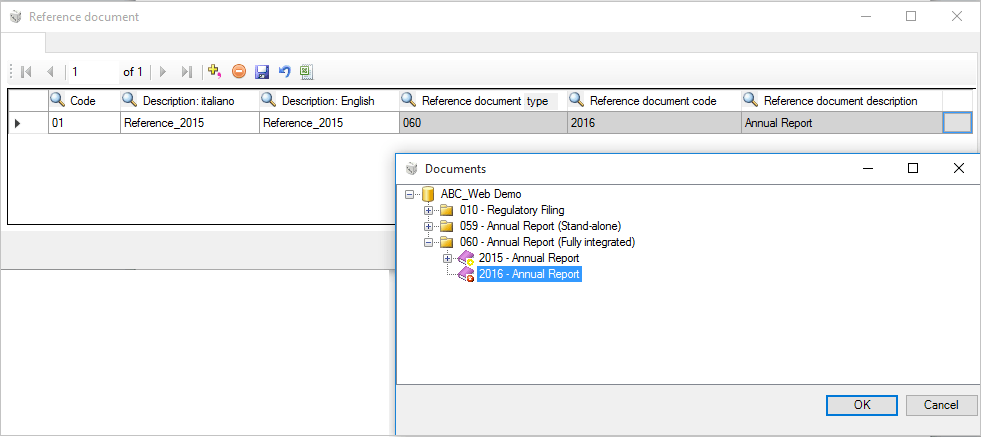
In order to add a new reference document to the current document, it is necessary to define a Code and Description of the reference document and then select the document from the documents tree that appears after clicking on the button  . The defined documents will be displayed with the icon
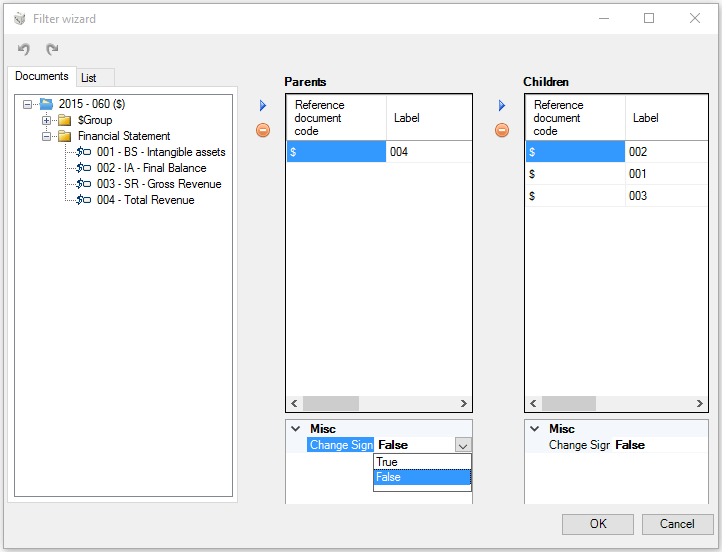
  in the "Documents/List" area of the Wizard window of the rule in which it is necessary to specify the labels that are subject to the rule.