GroupSum Formula Syntax
The GroupSum formula displays in the Historical data formula field of a record's properties when historical data has been derived from, or supplemented with, data from other records. You can type a GroupSum formula directly into the Historical data formula field.
GroupSum Example
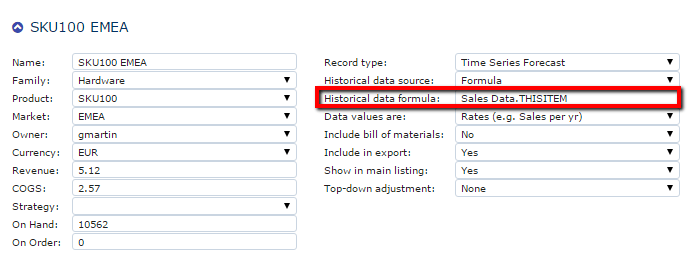
The standard GroupSum formula syntax is:
GroupSum WHERE Field_Name="Value" AND Field_Name="Value"
You can use the LIKE operator when a direct data source reference exists. For example:
Sales Data.SKU103 EMEA LIKE Product="SKU104"
You can use the following comparison and Boolean operators:
GroupSum Boolean Operators
| Boolean Operator | Description |
|---|---|
| == or = | Equal |
| != | Not equal |
| > | Greater than |
| < | Less than |
| AND | And |
| OR | Or |