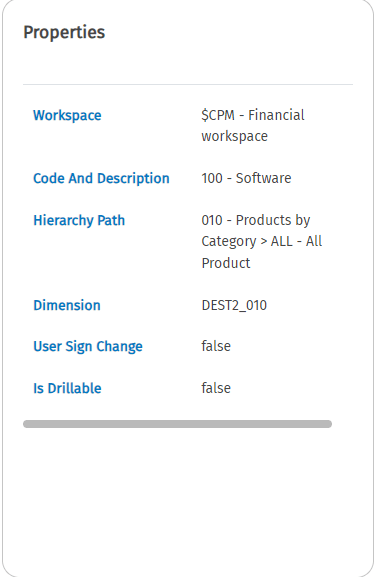
Properties panel
In the Panels section of the CCH Tagetik ribbon there is a Properties Panel button to display the list of information of a selected cell from a SmartInsight matrix.
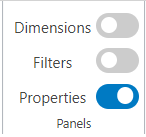
It is possible to display the information of the selected dimension:
- Workspace: indicates the workspace the matrix belongs to
- Code and Description: code and description of the dimension
- Hierarchy Path: this field contains Code and Description of the hierarchy path to the parent node of the selected element. If the selected element is a root node, this field will be empty.
- Dimension: name of the dimension
- User Sign Change: specifies whether or not sign change is possible
- Is Drillable: specifies whether the dimension is drillable or not
- Conversion: if present as an entry, specifies what type of conversion was performed on a selected currency dimension.