Setting Limits
From SmartInsight > File > Settings it is possible to reach the section dedicated to displaying or setting limits for rows and columns of smartinsights matrices. The 'Settings' section is in fact available to all types of users, but only editable by administrators. These limits apply to all SmartiInsight users and to all SmartiInsights in that application database.
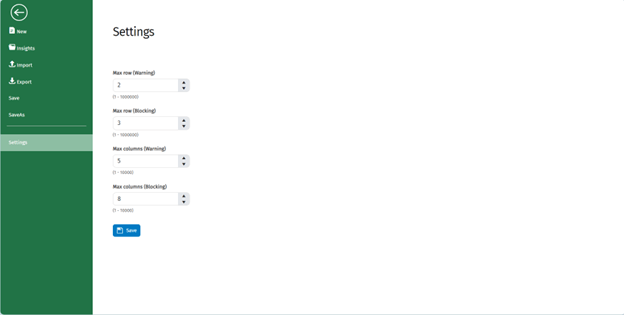
They are divided into warning limits and blocking limits:
- When a matrix reaches a warning limit, the user is informed with a message but can continue working on the matrix or update it.
- When a matrix reaches a blocking limit, the users are informed with a message and cannot continue to perform certain operations on the matrix or update it unless they first reduce the number of elements in a row or column or both until the limits are no longer exceeded.
The user can also view information about the set limits from the Ribbon Bar in the 'Info' section.
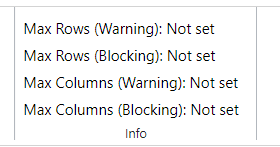
If one of the fields remains empty, that limit will be ignored.
It is not mandatory to set all 4 fields.