ETL execution
The ETL data processing can be accessed and run from several entry points
Process cockpit
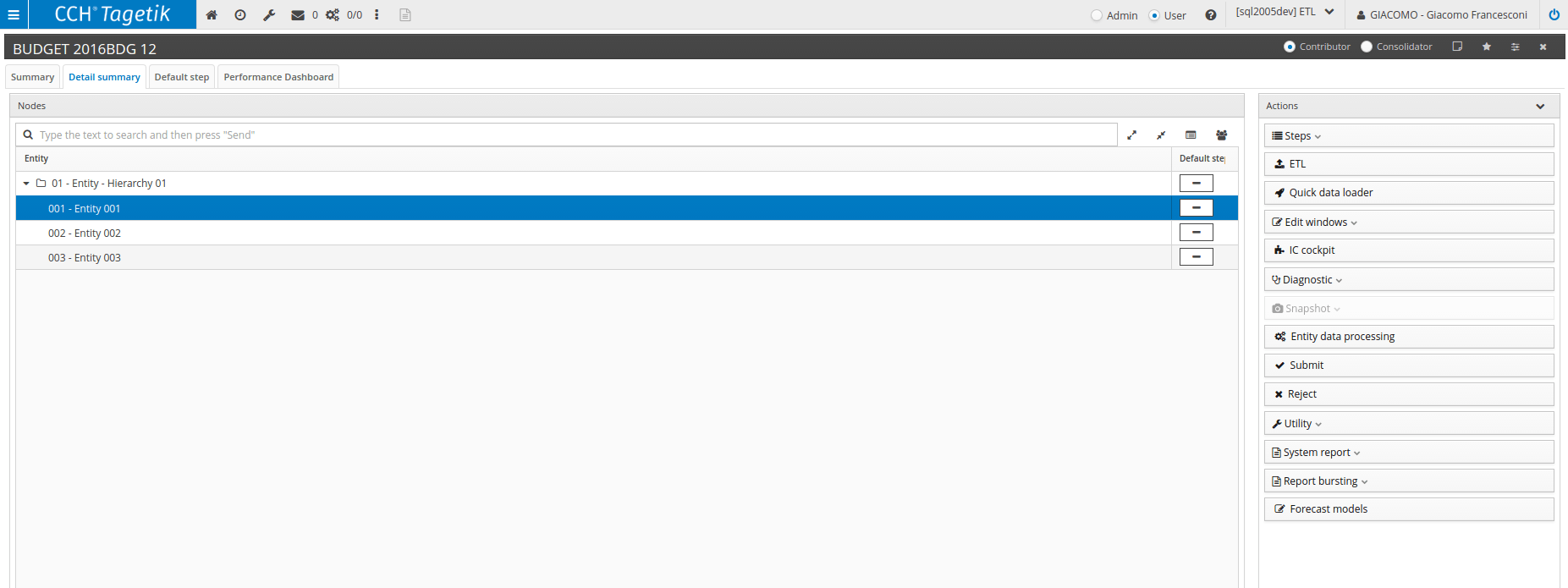
From both the Contributor and Consolidator cockpits, you can access the ETL execution window both from the detail summary and from the individual step using the  button located in the Action bar on the right-hand side. In both cases, you must select a node of the hierarchy or the individual lowest level element. In the first case, the ETL will be run on all the entities belonging to that node.
Workflow
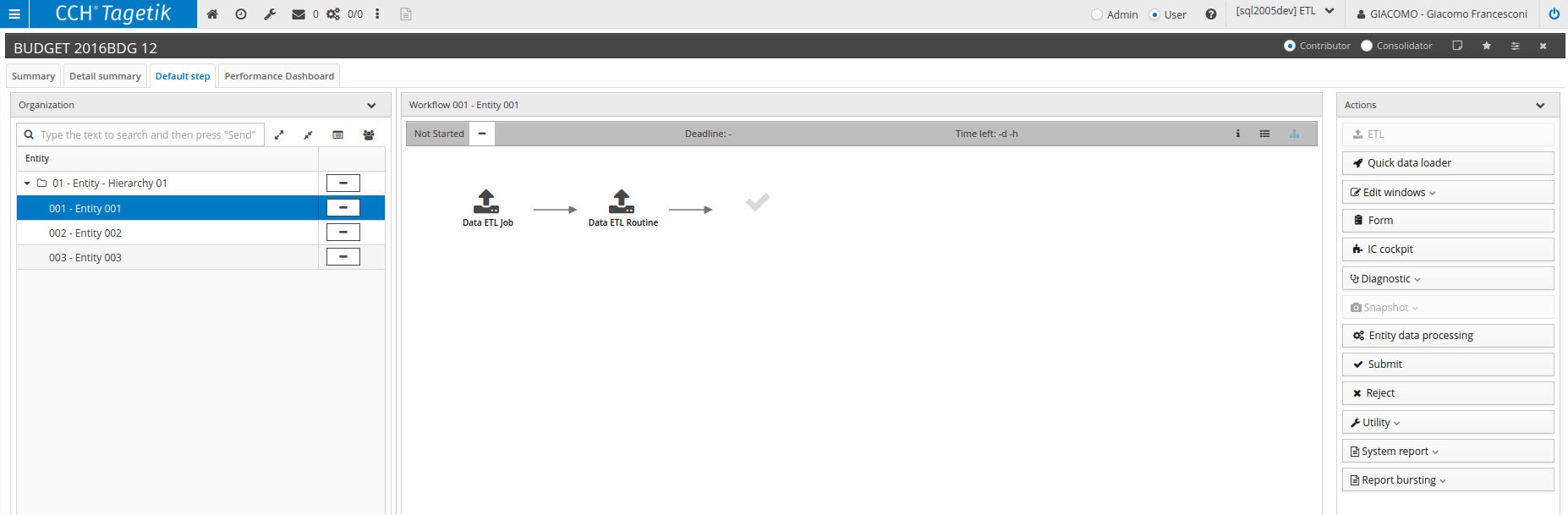
In the panel related to the individual step, if the node or entity has a workflow task containing one of the following types of task:
- ETL job for values
- ETL job for tables
- ETL routine for values
- ETL routine for tables
the button located in the Action Bar which allows the ETL to be executed will be disabled.
This is because if one of those tasks is present, the ETL can only be run in the defined execution order.
To run the ETL from a workflow task, you must click on the task and select the Run menu.
ETL - Admin user
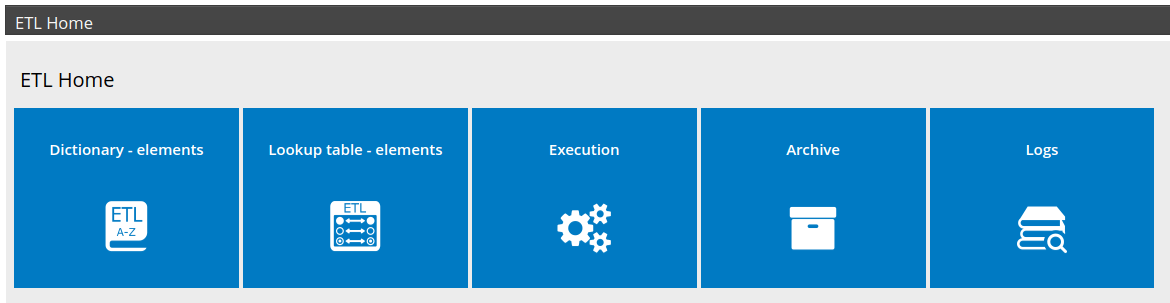
From the ETL tile located in the Admin user’s homepage From Navigation panel > ETL you can access the window by clicking on the Execution tile.

ETL - End user
From the ETL tile located in the End user’s homepage From Navigation panel > ETL you can access the window by clicking on the Execution tile.
Web forms
From the button of the same name on the Home tab of the Reporting Data Entry WebForm.

 IMPORTANT: The window that opens from each of these entry points will be editable for each user. It is possible:
- to select the ETL job or the individual routine to be run (except when accessed from a workflow task)
- if an ETL job has been selected, you can activate or deactivate one or several of its routines
- to activate or deactivate complete steps of a routine or its extraction, transformation and loading tasks
To make the window non-editable, you must enable function 0004108 (belonging to the ETL_ELAB_USER but disabled by default) in the user’s role. By doing this, the window will restrict editing depending on the entry point from which it is accessed:
- Admin Home: always editable
- End User Home: always editable
- Process cockpit: the job or individual routine selection will be editable, but the steps selection and the selection and editing of extraction, transformation and loading tasks will not be editable
- Workflow: the job or individual routine selection will not be editable (values preset by the task), and the step selection and the selection and editing of extraction, transformation and loading tasks will not be editable
- Web form: the job or individual routine selection will be editable, but the steps selection and the selection and editing of extraction, transformation and loading tasks will not be editable